Online PDF tools — no upload to any server.
Most PDF tools upload your files to a server. DailyBuddy gives you 30 online PDF tools that process your documents directly in the browser — your files never leave your device. No file size limits, no watermarks.
What makes these online PDF tools different.
DailyBuddy PDF Tools gives you 30 professional tools for editing, securing, and organizing PDF files — and most of them run entirely in your browser. That means you can rotate, split, merge, compress, add watermarks, redact sensitive content, or send documents for signing. Because files are processed in the browser, they never touch a server — making this one of the most privacy-friendly PDF solutions available
.
However, three tools that handle passwords and permissions require server processing. These run on EU servers in Germany, so your data still stays protected. Everything else stays on your device. In addition, there are no file size limits, no daily caps, and no watermarks added to your output files.
PDF Tools also works seamlessly with the other DailyBuddy apps: for example, share files securely with Send, coordinate your team with Projects, manage personal to-dos with Tasks, save your bookmarks with Favorites, or track scores with Game Sheet.
Discover the online PDF tools inside DailyBuddy.
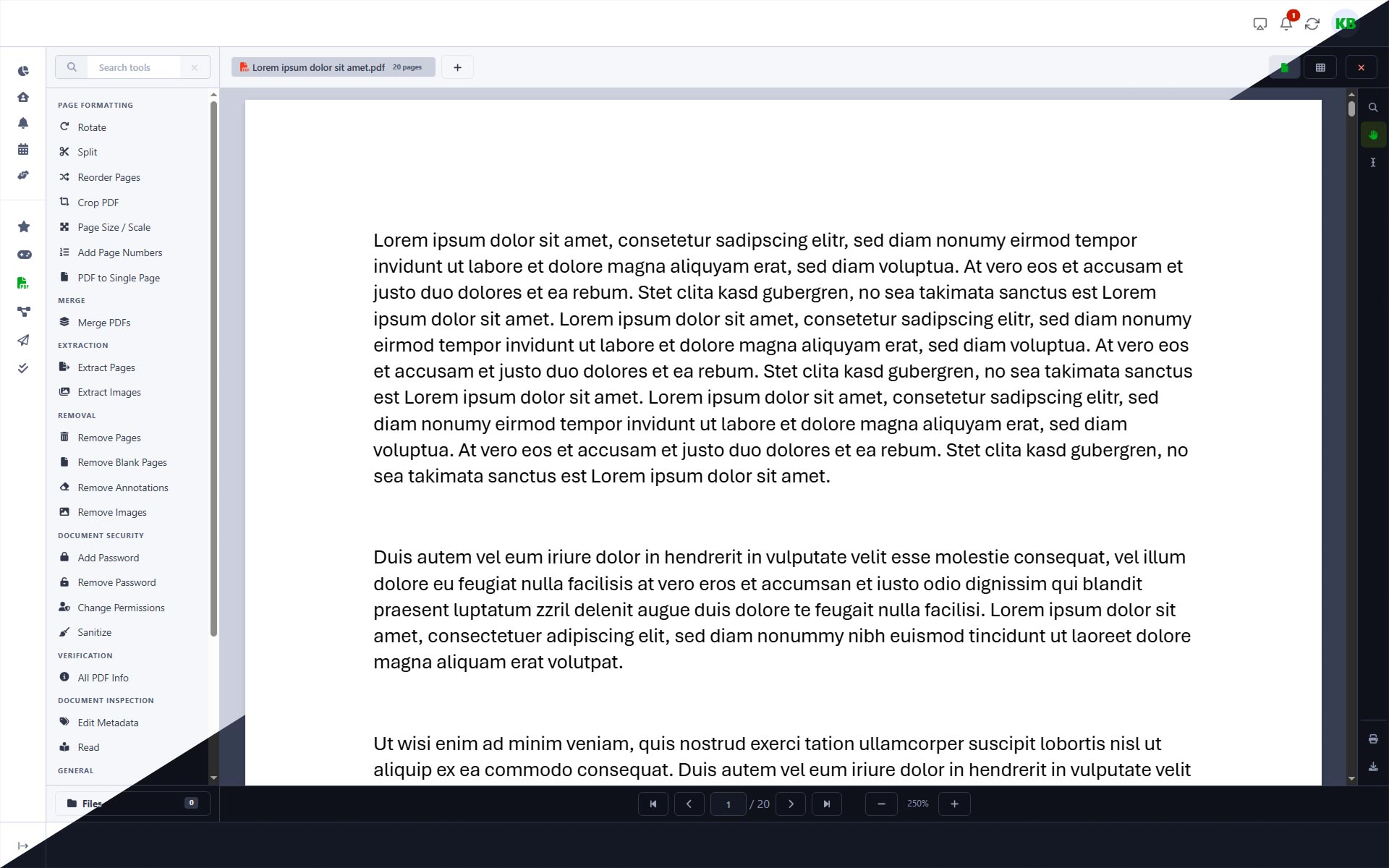
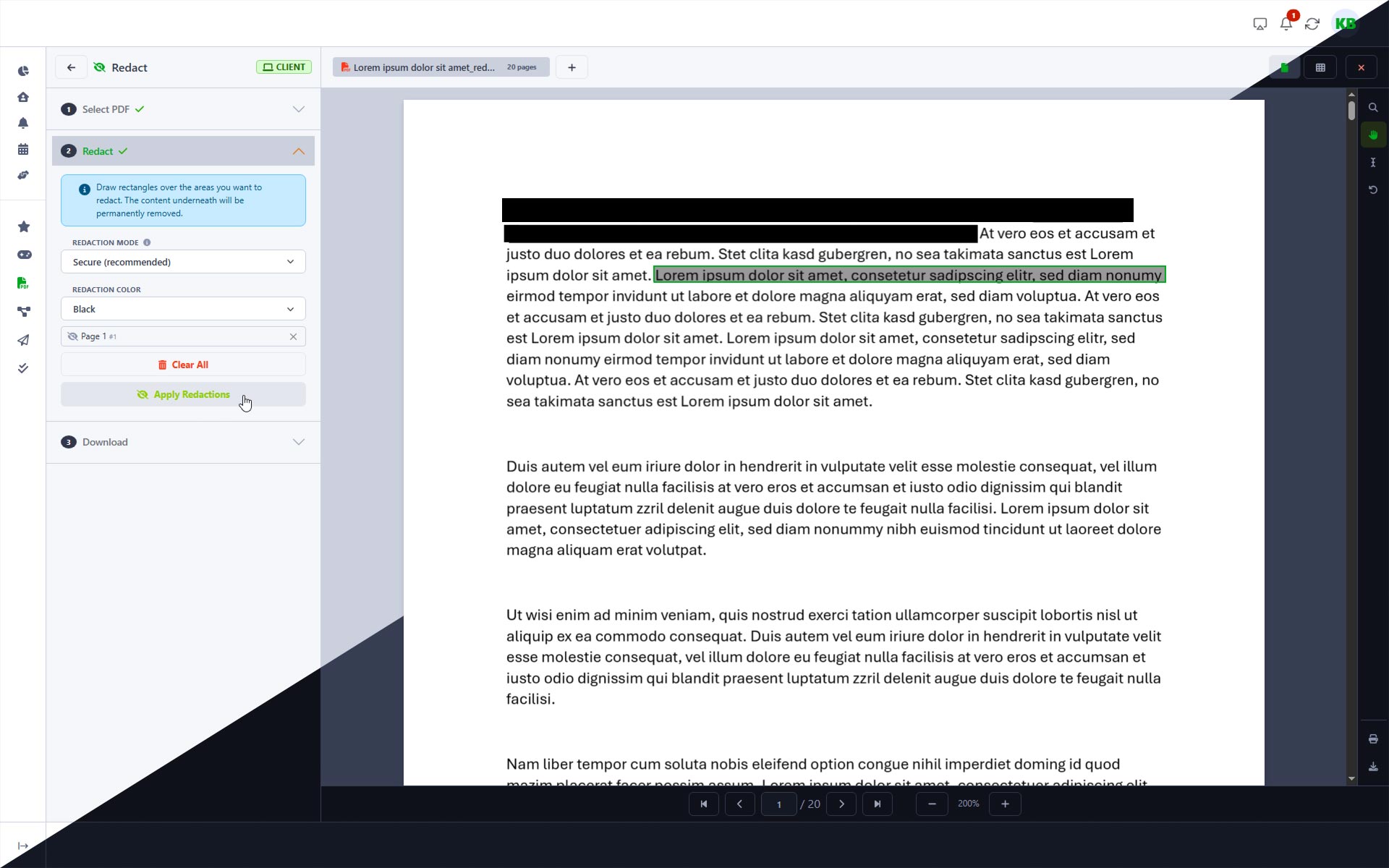
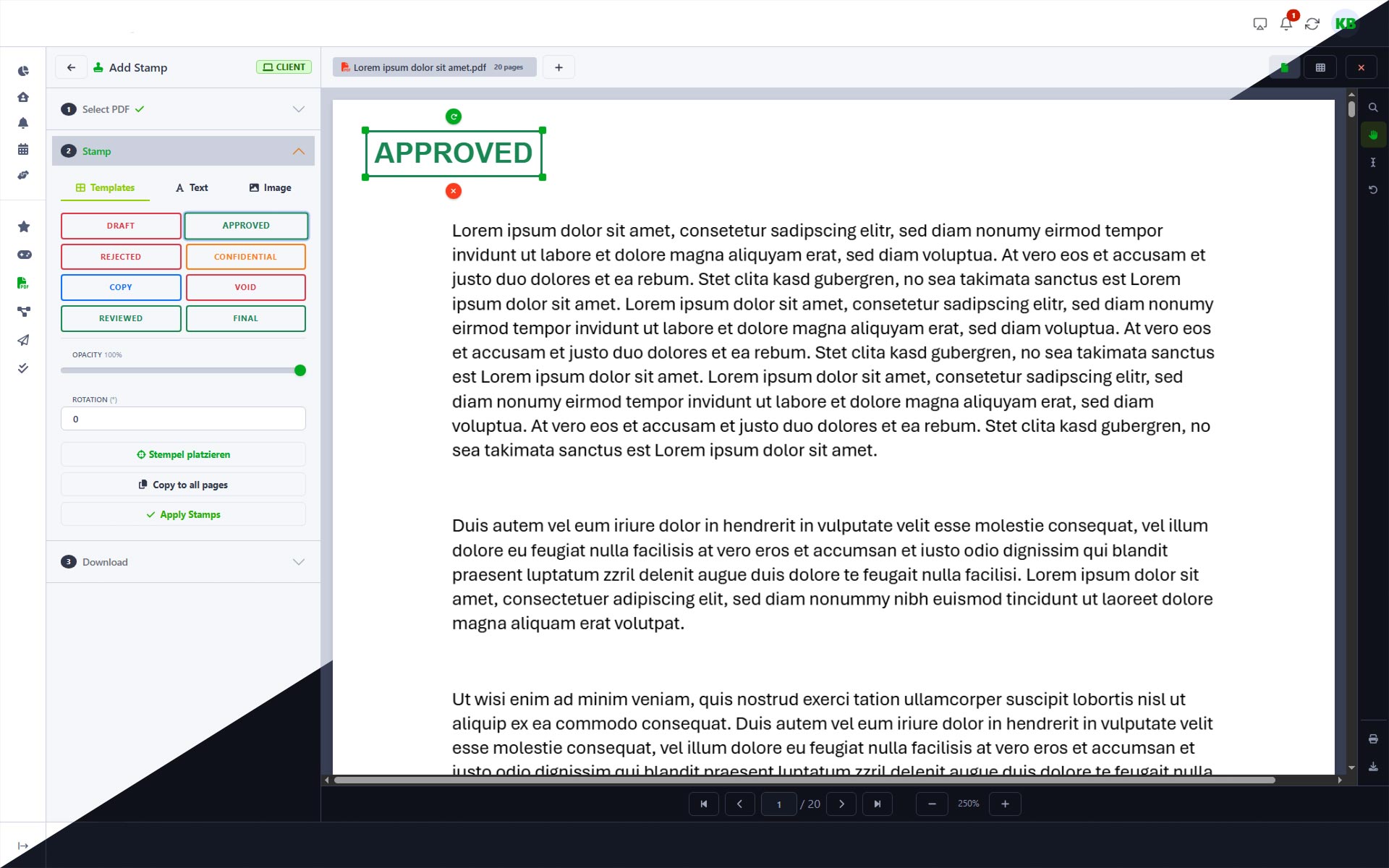
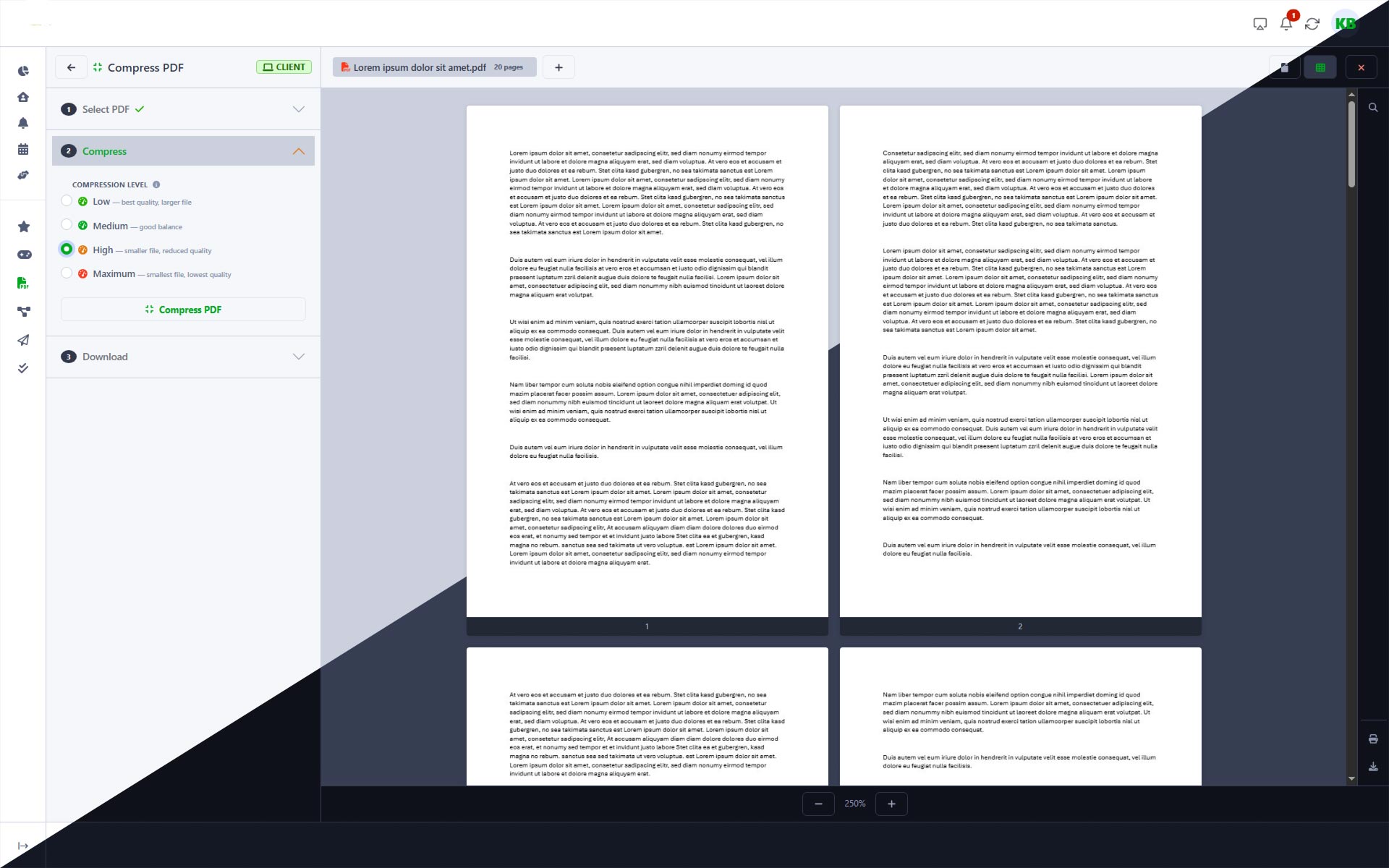
Unlike other online PDF tools, your files stay in your browser or on EU servers.
26 of 30 tools process your files entirely in your browser — so nothing gets uploaded. The three server-side tools, on the other hand, run exclusively in certified EU data centers in Germany. Therefore, the platform is fully GDPR compliant — built and operated by a German company. Learn more about GDPR
Why your files are safer with browser-based PDF tools.
Made in Germany
Designed, developed, and operated in Germany. Local support, German quality standards, and full transparency.
EU Data Centers
Your data is stored exclusively in certified EU data centers. Fully GDPR compliant, built and operated by a German company.
All Apps Included
One plan, no surprises. Projects, Tasks, Send, Favorites, and more — everything included at no extra cost.
Get Started
No credit card required to get started.
Why teams choose DailyBuddy over Adobe Acrobat.
No credit card required to get started. Every plan includes all DailyBuddy apps — including all 30 PDF tools.
| Feature | DailyBuddy PDF Recommended | Adobe Acrobat |
|---|---|---|
| No setup required | DailyBuddy PDF Open & use | Adobe Acrobat Install desktop app |
| File processing | DailyBuddy PDF In your browser (26 of 30 tools) | Adobe Acrobat Local or Adobe servers |
| Data location | DailyBuddy PDF Browser + EU servers | Adobe Acrobat US servers (Adobe Cloud) |
| Files stay on your device | DailyBuddy PDF Mostly yes | Adobe Acrobat Cloud features |
| GDPR compliant | DailyBuddy PDF Fully | Adobe Acrobat Requires DPA |
| Number of tools | DailyBuddy PDF 30 | Adobe Acrobat 20+ |
| Send for signature | DailyBuddy PDF No account needed | Adobe Acrobat Paid add-on |
| File size limits | DailyBuddy PDF None | Adobe Acrobat None |
| No watermarks | DailyBuddy PDF | Adobe Acrobat |
| No desktop app required | DailyBuddy PDF | Adobe Acrobat |
| File manager integration | DailyBuddy PDF Built-in | Adobe Acrobat Adobe Cloud only |
| Mobile friendly | DailyBuddy PDF Yes | Adobe Acrobat Separate app |
Based on publicly available information at adobe.com/acrobat/pricing/
Start using these online PDF tools today.
No credit card required. Open your first PDF and start editing in under a minute.
Frequently asked questions about these online PDF tools.
PDF Tools are included in every DailyBuddy plan. There are no hidden fees, no per-file charges, and no watermarks on your output files.
26 of 30 tools run entirely in your browser — your files never leave your device. Only the three password and permissions tools require server processing. Those run on servers in Germany.
No. Since most tools run in your browser, the only limit is your device's memory. There are no artificial caps.
Yes. The Sign tool generates a shareable link. The recipient can view and sign the PDF without creating an account. Links are valid for 7 days.
Sanitize removes hidden metadata, scripts, and embedded files — things you can't see. Redact permanently blacks out visible content like names, addresses, or sensitive text.
No. Everything runs in your web browser. No desktop app, no browser extension, no Docker container.
Yes. All tools are responsive and work on mobile devices.