A WordPress management tool that brings all your sites into one dashboard.
WPBuddy is the WordPress management tool from DailyBuddy. Connect your WordPress sites, group them by client and workspace, and update a plugin across every site that runs it in a single click. On top of that, WPBuddy checks what nobody sees in the backend: known vulnerabilities, load times, broken links and images without alt text. Built and hosted in Germany, fully GDPR compliant.
How this WordPress management tool works.
WPBuddy lets you run all your WordPress sites from one place. Your own projects, client sites or a growing portfolio — you see immediately where something needs doing, and you do it straight from the dashboard.
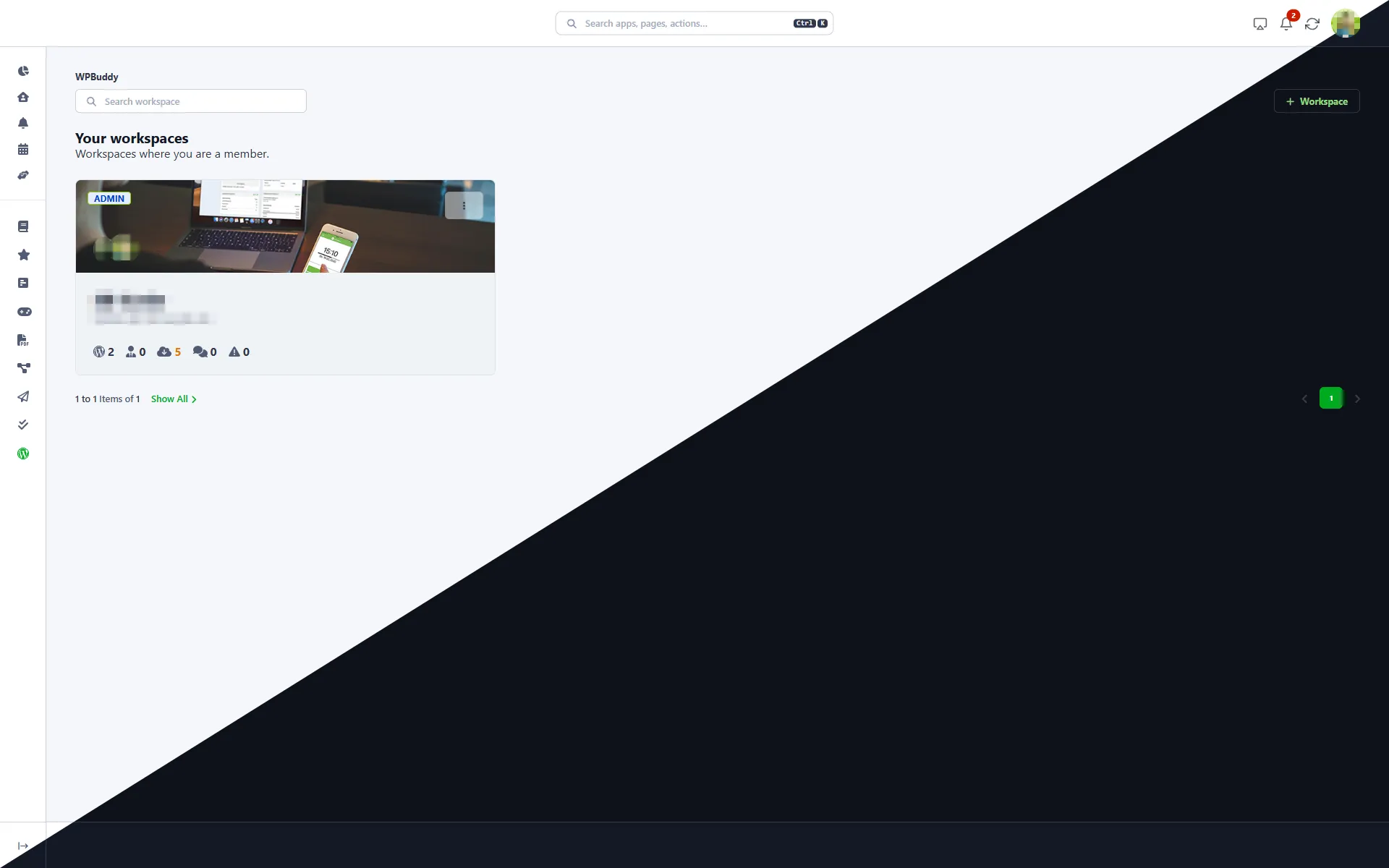
It starts with a workspace: create one, invite members, connect your sites through the free DailyBuddy plugin. The overview shows sites, clients and members at a glance, along with open updates, security warnings and comments waiting for moderation. If you want your own projects kept apart from client work, simply set up several workspaces.
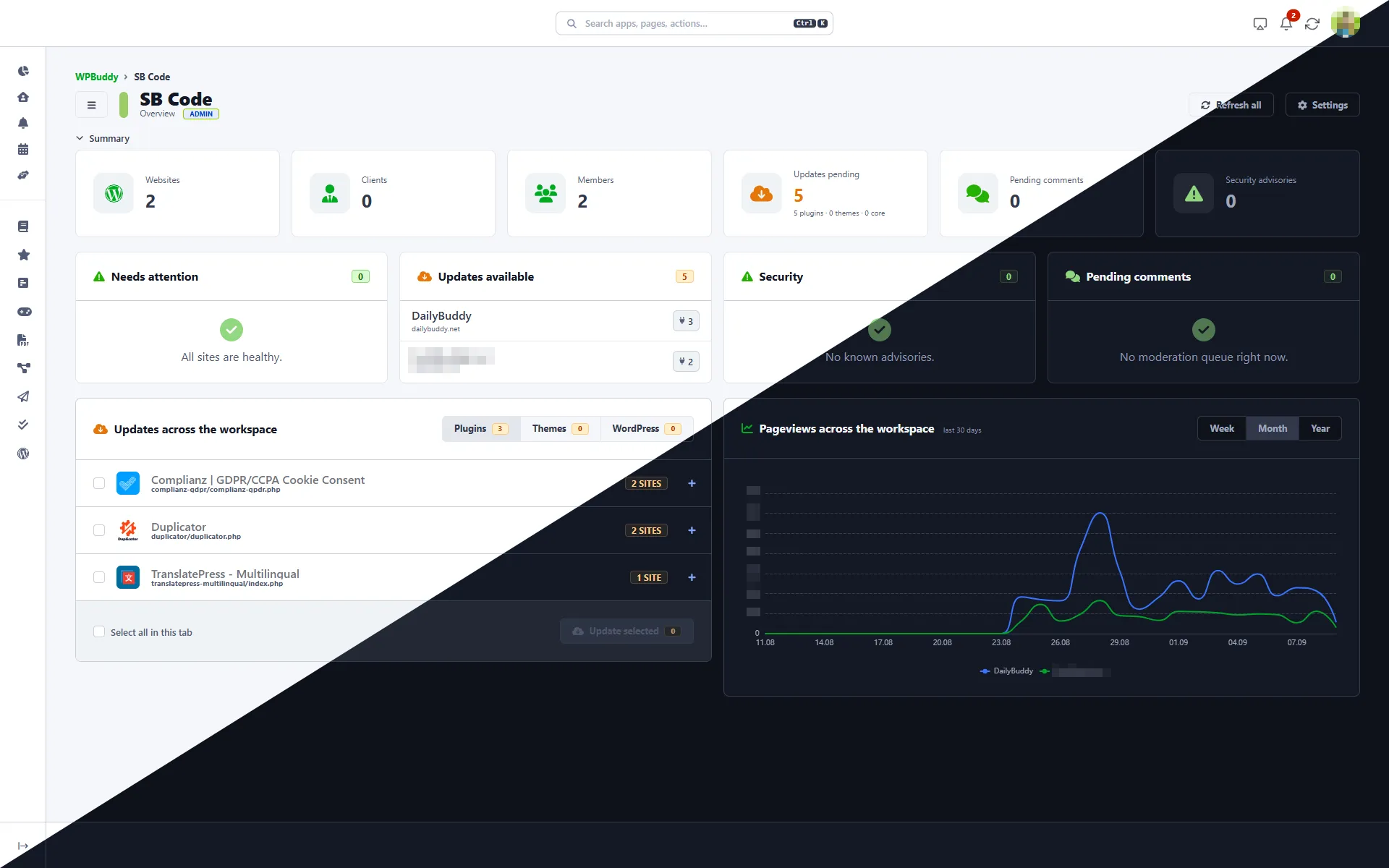
WPBuddy groups updates by package rather than by site. You see “Complianz — 2 sites” once, tick what should go out, and update every affected site at the same time, with plugins, themes and WordPress core kept separate. When you’re in a hurry, “Update all” brings the entire workspace up to date.
The health section checks what usually slips through: known vulnerabilities in plugins, themes and core, sorted by priority, plus load times, broken links and images without alt text. The performance check runs directly from our platform — no third-party API, and no visitor data transmitted.
The everyday work is centralised too: manage plugins and themes, moderate comments, clear post revisions and database overhead, switch maintenance mode on and off remotely. And when you do need the backend, “WP Admin” takes you there without signing in again.
WPBuddy is part of the DailyBuddy productivity platform. Pair it with Tasks for your maintenance to-dos, Projects for client work, Send to hand over credentials and files encrypted, Favorites for your bookmarks, or the free WordPress plugin for media folders, maintenance mode and 22 more modules. Two sites or two hundred — WPBuddy is the simple way to stay on top of all of them. Try it today.
Explore the WPBuddy app.
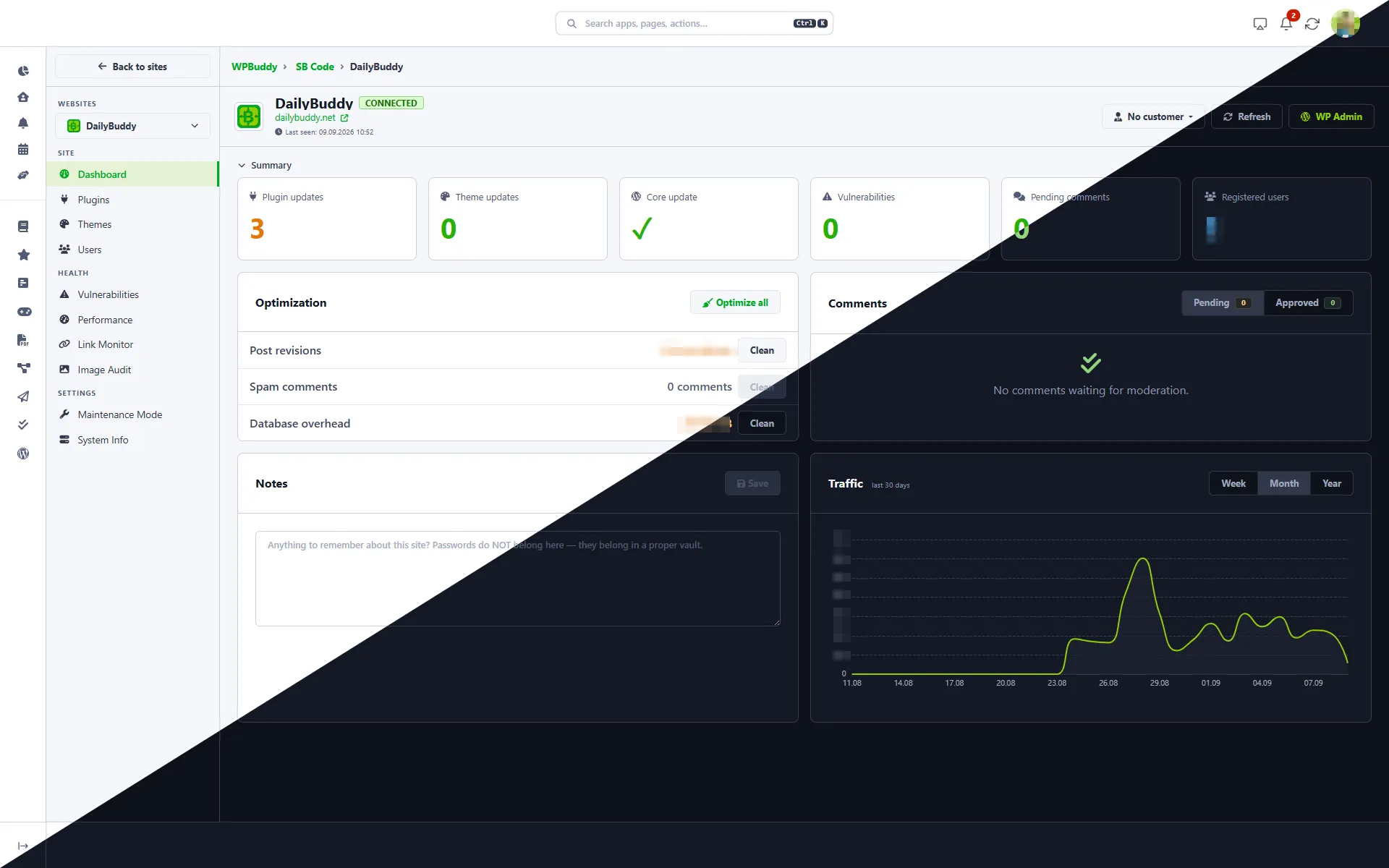
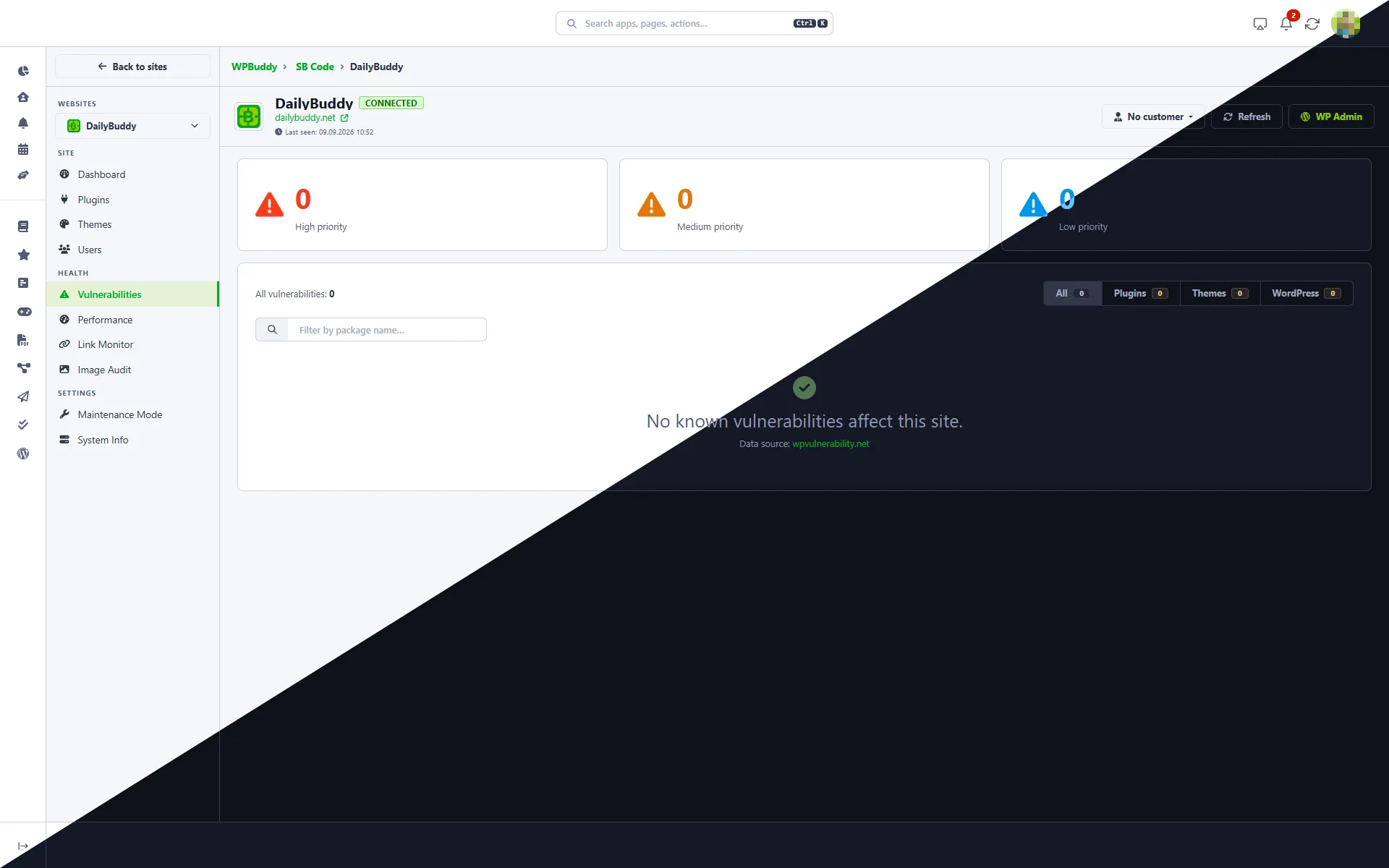
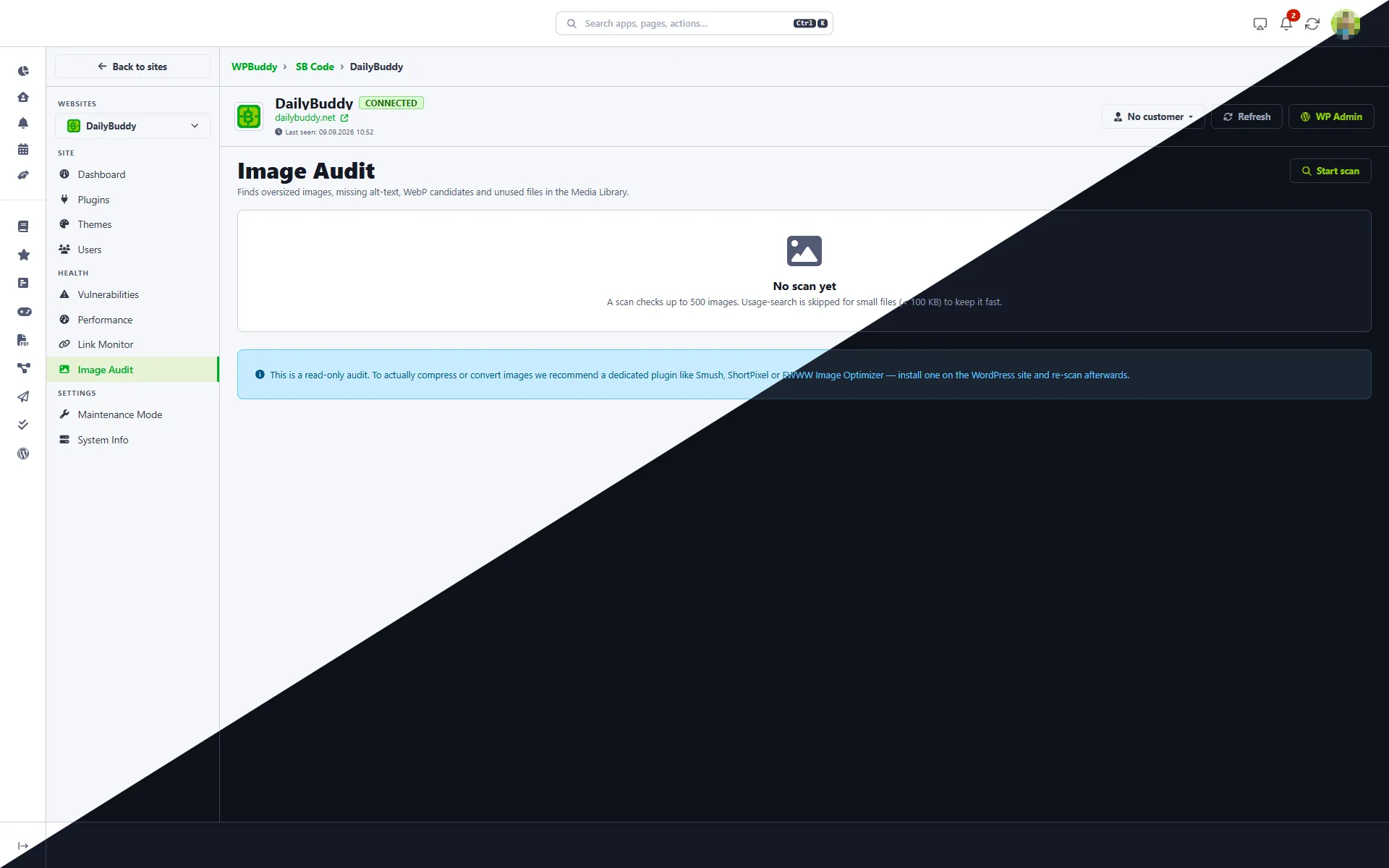
A WordPress management tool — hosted exclusively in EU data centres.
DailyBuddy runs exclusively in certified EU data centres. The checks run with us too: the performance check measures your site directly from our platform, with no third-party API and no visitor or account data transmitted. Fully GDPR compliant — built and operated by a German company. Learn more about the GDPR
Why this WordPress management tool is a fit for your team.
Made in Germany
Built, hosted and operated in Germany. Local support, German quality standards and full transparency.
EU Data Centers
Site and client data is stored exclusively in certified EU data centres. Checks run on our own platform instead of through third-party APIs.
All Apps Included
One plan, no surprises. WPBuddy, Projects, Tasks, Send, Favorites and more — all included, with no per-site add-on pricing.
Get Started
No credit card required to begin.
What does this WordPress management tool offer?
No credit card required to begin. Every plan includes all DailyBuddy apps.
| Feature | DailyBuddy WPBuddy |
|---|---|
| Multiple workspaces for separate portfolios | |
| Team members with roles per workspace | |
| Create clients and assign sites | |
| Connect sites through the free plugin | |
| Central dashboard across all sites | |
| Bulk updates per plugin across multiple sites | |
| Separate views for plugins, themes and core | |
| “Update all” for the entire workspace | |
| Activate, deactivate and update plugins | |
| Theme management per site | |
| User and role overview per site | |
| Vulnerability scan via wpvulnerability.net | |
| Findings sorted by priority | |
| Performance check with no third-party API | |
| One-click handoff to Google PageSpeed Insights | |
| Link monitor for broken links and stale redirects | |
| Image audit: size, alt text, WebP, unused files | |
| Clear post revisions, spam and database overhead | |
| Comment moderation from the dashboard | |
| Remote maintenance mode toggle | |
| System info: WordPress, PHP, MySQL, web server | |
| Visitor numbers per site and per workspace | |
| Notes per site | |
| Direct WP Admin access without signing in again | |
| EU servers (Germany) | |
| GDPR compliant | |
| Project management included | |
| Task management included | |
| Secure file transfer included |
Start managing your WordPress sites from one place today.
No credit card required. Create your workspace and connect your first site in under 2 minutes.
Frequently asked questions about this WordPress management tool
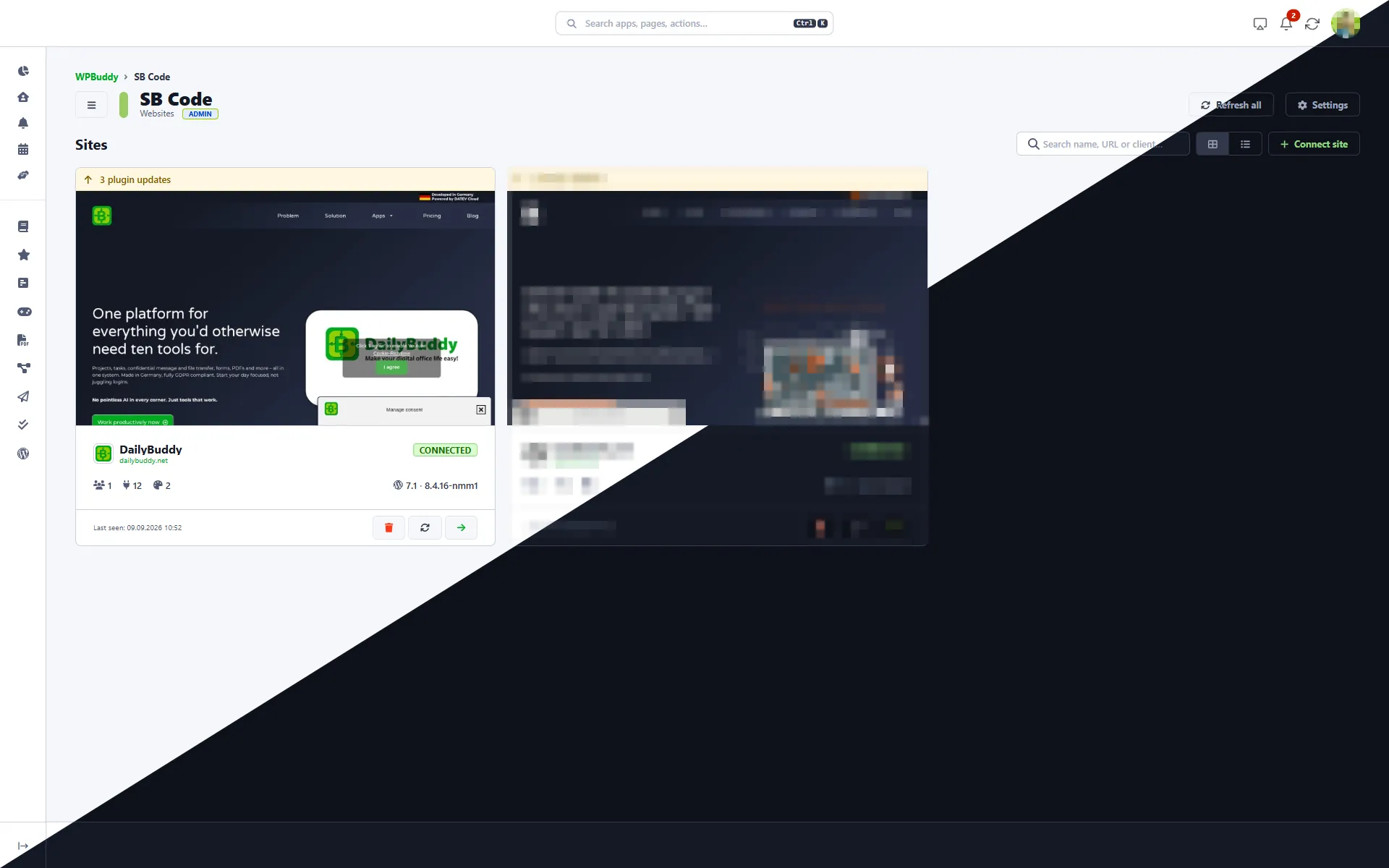
Install the free DailyBuddy plugin on your site, create a workspace in WPBuddy and click "Connect site". The site then appears as a card in your dashboard, with its status, plugin and theme counts and WordPress and PHP versions.
A workspace groups sites, clients and team members under one roof. You can create several — one for your own projects and one for client work, for example — and switch between them. Members only see the workspaces they belong to.
Yes, that's exactly what the update view is built for. It groups updates by package rather than by site: you see "Complianz — 2 sites" once, tick it, and update every affected site together. Plugins, themes and WordPress core are kept separate.
The scan compares your plugins, themes and WordPress core against the public wpvulnerability.net database. Findings are sorted into high, medium and low priority and can be filtered by package name.
No. The check runs directly from our platform against your site's public URL. No third-party API is called and no visitor or account data is transmitted. If you also want the full Lighthouse analysis, one click opens the report in Google PageSpeed Insights.
It scans your published posts and pages for broken links and stale redirects — up to 300 posts and 500 unique URLs per scan, usually in 10 to 60 seconds. Services with rate limits such as X, LinkedIn or Amazon occasionally report an error even when the link is fine. Treat those results as hints rather than findings.
No, it's read-only. It shows you oversized files, missing alt text, WebP candidates and unused media. For the actual compression, use a dedicated plugin such as Smush, ShortPixel or EWWW, then run the scan again.
WPBuddy shows you a site's users with their role, join date and post count, and lets you activate, deactivate or delete accounts. Creating users and changing roles still happens in the WordPress backend — "WP Admin" takes you there without signing in again.
Yes. WPBuddy works through the WordPress plugin, which makes it independent of your hosting provider. Shared hosting works just as well as your own server.
Yes. WPBuddy covers the usual maintenance work — bulk updates, vulnerability scanning, performance, link monitoring, image auditing and database optimisation — but doesn't bill per site and per add-on. You also get every other DailyBuddy app at no extra cost.
WPBuddy is included in every plan. Pricing starts at €9/user/month (billed annually) or €12/user/month (billed monthly), including all other DailyBuddy apps.