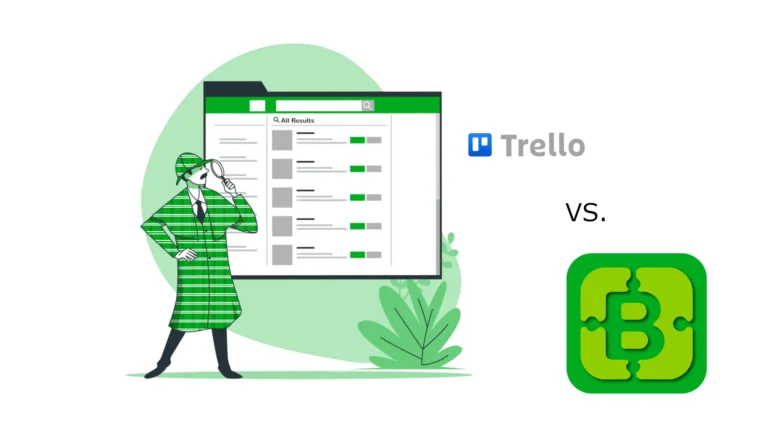
Looking for a Trello alternative? You’re not alone. Trello is one of the most recognisable project management tools on the market — simple, visual, and easy to get started with. For many teams, it’s the first tool they reach for. But as your team grows and your needs evolve, you might find yourself hitting its limits.
That’s exactly why DailyBuddy exists — a Trello alternative for teams who need more than just a Kanban board, without paying enterprise prices or dealing with feature overload. Here’s how the two compare.
Why teams look for a Trello alternative
Trello built its reputation on simplicity. Boards, lists, and cards — drag and drop, done. For solo users and very small teams managing straightforward projects, it works well. But the cracks start to show quickly.
The free plan is severely limited. Unlimited cards sound great until you realise you’re capped at 10 boards per workspace, can’t use automations beyond a handful of runs per month, and have no access to timeline or calendar views. For any real team workflow, the free plan runs out fast.
Power-Ups add up. Trello’s integrations and extra features are called Power-Ups. The free plan gives you one per board. To unlock unlimited Power-Ups, you need a paid plan — starting at $5/user/month. And if you need time tracking, reporting, or advanced automations, you’re looking at third-party integrations on top of that.
It’s just boards. Trello doesn’t include task management with subtasks and reminders, secure file transfer, or bookmark management. You end up stitching together multiple tools — each with its own login, pricing, and learning curve.
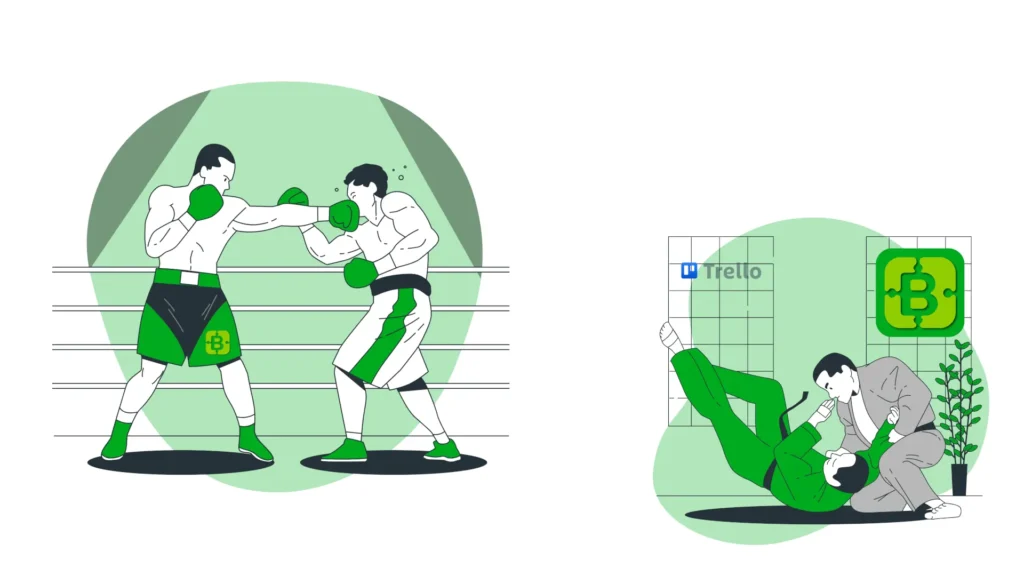
DailyBuddy vs Trello — what's actually different
DailyBuddy takes a different approach. Instead of starting with boards and selling you the rest as add-ons, it includes everything a small team needs in one plan — project management, task tracking, encrypted file transfer, bookmark management, and 29 browser-based PDF tools. No Power-Ups, no add-ons, no surprises.
| DailyBuddy | Trello | |
|---|---|---|
| Price per user/month | €9 (yearly) / €12 (monthly) | Free / $5 / $10 / $17.50 |
| Unlimited boards | ✔ | ✘ 10 boards on free plan |
| Project management | ✔ | ✔ Boards only |
| Task management | ✔ Included | ✘ Not included |
| Encrypted file transfer | ✔ Included | ✘ |
| Bookmark manager | ✔ Included | ✘ |
| PDF tools | ✔ Included | ✘ |
| EU servers (always) | ✔ Germany | ✘ US servers |
| GDPR compliant | ✔ Fully | Partial — data stored in US |
| No AI clutter | ✔ | ✘ AI features added |
Based on publicly available pricing at trello.com/pricing/
Pricing — what you actually pay
Trello’s free plan is generous on paper but limited in practice. 10 boards, one Power-Up per board, and minimal automations. For a real team workflow, you’ll hit the ceiling quickly.
Trello Standard costs $5/user/month — unlimited boards, unlimited Power-Ups, and basic automations. Premium is $10/user/month and adds timeline, calendar, and dashboard views. Enterprise starts at $17.50/user/month.
DailyBuddy keeps it simple. One user is free — forever, no time limit, no credit card required. From two users, it’s €9/user/month billed yearly or €12/user/month billed monthly. And every plan includes all apps — Projects, Tasks, Send, Favorites, and more. No add-ons, no Power-Ups, no hidden costs. See all plans.
For a team of 3 paying Trello Premium: 3 × $10 = $30/month — boards only. For the same team on DailyBuddy: 3 × €9 = €27/month — all apps included.
Data privacy — where your data lives
Trello is owned by Atlassian, an Australian company with servers primarily in the United States. For European teams handling client data or sensitive documents, this matters. Storing data on US servers means it falls under US jurisdiction, including the Cloud Act — which allows US authorities to request access to data stored by US companies, regardless of where that data physically lives.
DailyBuddy is hosted exclusively in certified EU data centers in Germany. No exceptions, no enterprise-only restrictions. Fully GDPR compliant, built and operated by a German company. For teams in the EU who take data privacy seriously, this isn’t a nice-to-have — it’s a requirement. Learn more about GDPR
When Trello is the better choice — and when this Trello alternative fits better
To be fair — Trello is the better fit if your team needs a purely visual Kanban workflow, works mostly with external collaborators who don’t need full accounts, or just wants the simplest possible board setup with no learning curve.
Trello is also deeply integrated into the Atlassian ecosystem. If your team already uses Jira or Confluence, Trello fits naturally alongside them.
But if you’re looking for a Trello alternative that covers project management, task tracking, secure file transfer, and bookmark management in one plan — hosted in the EU, GDPR compliant, and without AI features cluttering your workflow — DailyBuddy is built exactly for that.
Ready to try the simpler alternative?
No credit card required. Set up your first workspace in under 2 minutes and see if it fits the way your team works.